On-Site Proposals, Good / Better / Best Tiers & E-Signatures: Practical Ideas for Contractors
How independent trade contractors might replace delayed evening spreadsheets with on-site digital proposals, Good / Better / Best options, and milestone billing—shared from a software perspective.
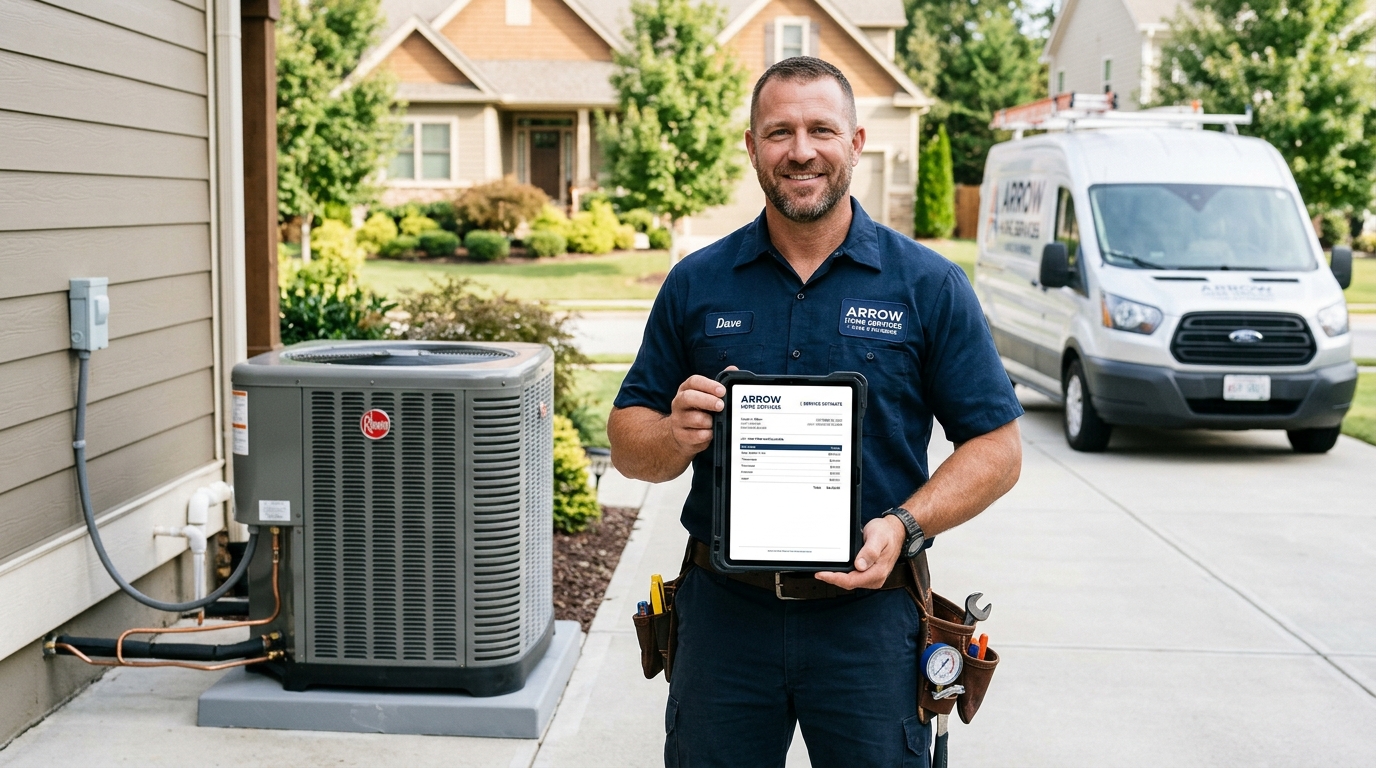
Note: QuoteHob builds estimating software—we are not a building firm or business consultancy—so every trade business should adapt workflows to its own market. Still, three habits that may help many contractors are: (1) maybe delivering a clear itemized or lump-sum proposal while still on-site instead of waiting days; (2) offering Good / Better / Best scope options so homeowners could compare value levels rather than only shopping base price; and (3) checking hard labor and material costs privately against a target margin before sharing totals.
1. Replacing Delayed Spreadsheets with Faster On-Site Clarity
Many trade owners are familiar with the busy-day routine: drive across town, inspect an aging condenser or corroded water heater, jot measurements onto a notepad, and promise to email numbers later that evening. By 8:30 PM, fatigue may set in, and a one-day turnaround can easily stretch into several days.
In some cases, homeowners might interpret delayed paperwork as a sign of how communication could feel once work begins. Presenting a clean, readable estimate in minutes inside your truck or beside the unit may help set an organized first impression.
2. How Good / Better / Best Options Might Reduce Pure Price Shopping
A single take-it-or-leave-it number can sometimes push a customer toward a binary choice: hire you or collect extra quotes to compare. Offering three distinct scopes could help frame the conversation around equipment lifespan, energy efficiency, and warranty options—though results always depend on your local market and customer.
| Option Tier | Possible Scope Focus | How Clients Might View It |
|---|---|---|
| Good (Baseline) | May address the core repair or replacement with standard code-compliant components and baseline coverage. | Could serve as a budget-conscious anchor showing essential scope clearly. |
| Better (Upgraded Value) | Could include higher-efficiency hardware, preventative add-ons (e.g., surge suppressor or expansion tank), and extended workmanship coverage. | May appeal to homeowners balancing upfront cost with lower long-term maintenance risk. |
| Best (Comprehensive) | Might pair top-tier variable-speed hardware with zoning, full-system upgrades, or comprehensive warranty options. | Could give long-term homeowners a turnkey upgrade choice if budget permits. |
3. Cash-Flow Awareness & Checking State Deposit / Cancellation Laws
General working-capital resources from the U.S. Small Business Administration (SBA.gov) note that independent service businesses may face cash-flow strain if they self-finance expensive equipment and materials without progress billing.
Because deposit and cancellation rules vary strictly by state, maybe check your local statutes before picking a milestone percentage. While 30% to 50% deposits might appear in commercial or unregulated scopes, states such as California cap residential home-improvement down payments at $1,000 or 10% (whichever is less), and in-home sales may trigger 3-day cooling-off disclosures. You could review our general overview of contractor deposit laws by state and consult a local attorney or CPA regarding your setup in the QuoteHob estimate studio.
4. Federal ESIGN Background (15 U.S.C. § 7001) & Software Workflow
Under the federal Electronic Signatures in Global and National Commerce (ESIGN) Act (15 U.S.C. § 7001) and state UETA statutes, an electronic signature generally cannot be denied legal effect solely because it is electronic, provided legal intent and disclosures are satisfied. When a homeowner signs on-screen in QuoteHob Field Pro, their signature graphic, printed name, and timestamp are embedded into the exported PDF—whether you quote HVAC, plumbing, or electrical work—though you should confirm any trade-specific contract wording with legal counsel.
Key Takeaways & Practical Answers
Could Good / Better / Best estimates require creating three complicated documents?
In QuoteHob Field Pro, it may be much simpler. Because saved templates and duplicate quote controls work locally, you could clone a baseline scope, adjust equipment or warranty terms in seconds, and show side-by-side PDFs.
Where can I read the federal ESIGN Act text covering electronic signatures?
Electronic signature rules in U.S. interstate commerce are generally addressed by 15 U.S.C. § 7001 (the ESIGN Act) alongside state UETA statutes. Residential consumer cancellation notices may still apply where required by state law or 16 CFR Part 429—check with an attorney if you have compliance questions.
Which QuoteHob plan includes touch e-signatures and Job Costing?
On-screen touch e-signatures, Job Costing & Profit Margin Dial, Lump-Sum mode, custom company logo branding, and unlimited estimates are part of QuoteHob Field Pro ($9.99/mo billed annually at $119.88/yr, or $12.99/mo monthly). Free Starter includes 1 complete itemized estimate export per calendar month.
More Contractor Guides
All articlesDraft cleaner estimates before leaving the property.
Free Starter includes 1 watermark-free PDF export per calendar month and 1 saved customer. Upgrade to Field Pro ($9.99/mo annual) for unlimited estimates, touch e-signatures, custom logo, and Job Costing.